
Login
Accessing the myMobiConf Dashboard is the first step to managing your events. This tutorial will guide you through the login process and initial overview.
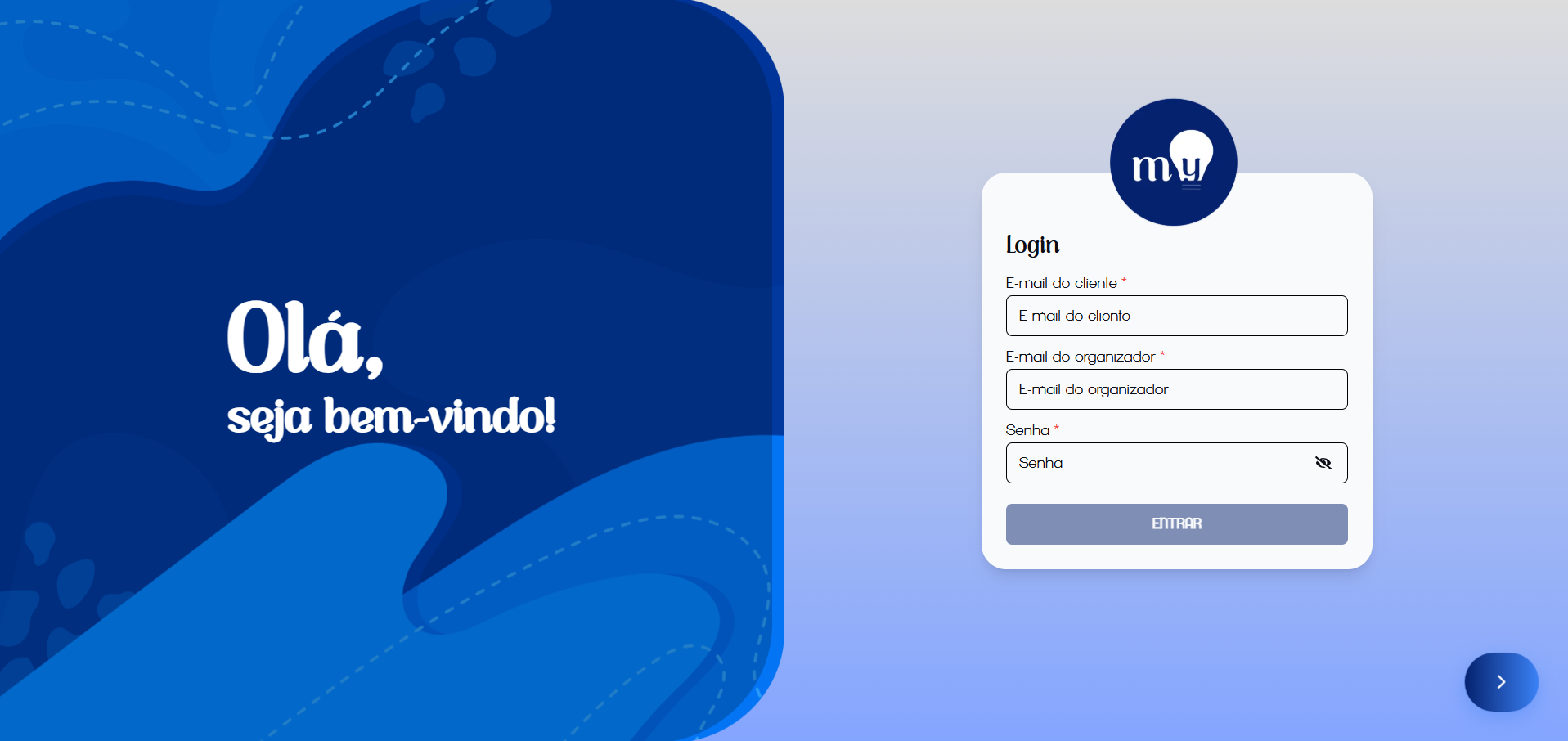
Initial login screen
Step-by-step access
- Access the platform: Open your browser and type the dashboard address.
- Fill in credentials: On the login screen, you will find three required fields:
- Client Email: The main contracting account email.
- Organizer Email: Your specific user email.
- Password: Your personal access password.
- Confirm: Click the "Enter" button to access the system.
Security Tip
Keep your password safe and avoid sharing it. If you have forgotten your password, contact support.
Home Screen
After successful login, you will be redirected to the Events Home Screen.
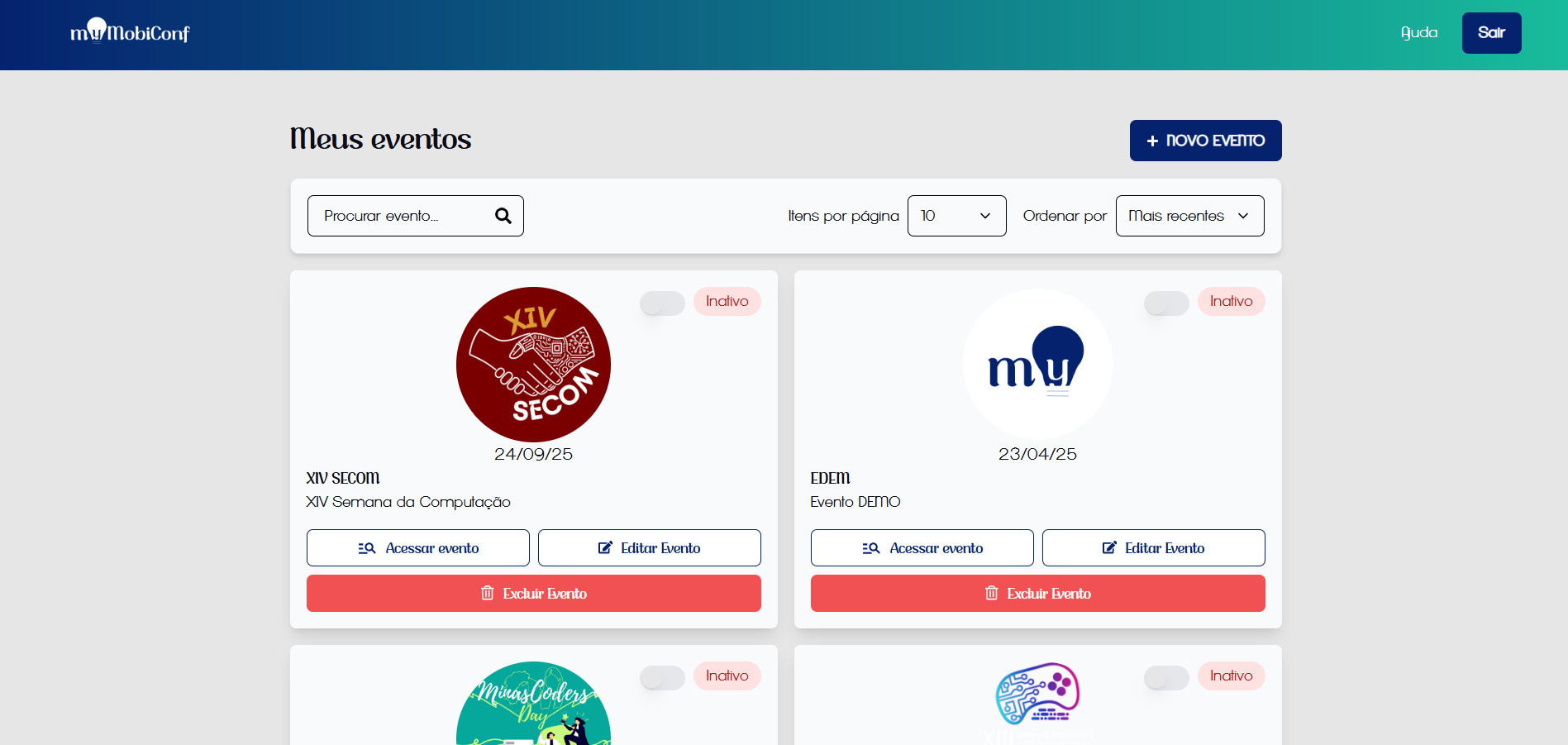
Overview of your registered events
On this screen, you can view all events linked to your account, with options to access details, edit information, or create new events.