
Manual activity registration
Manual registration offers full control over every detail of the activity. Ideal for specific insertions or fine adjustments.
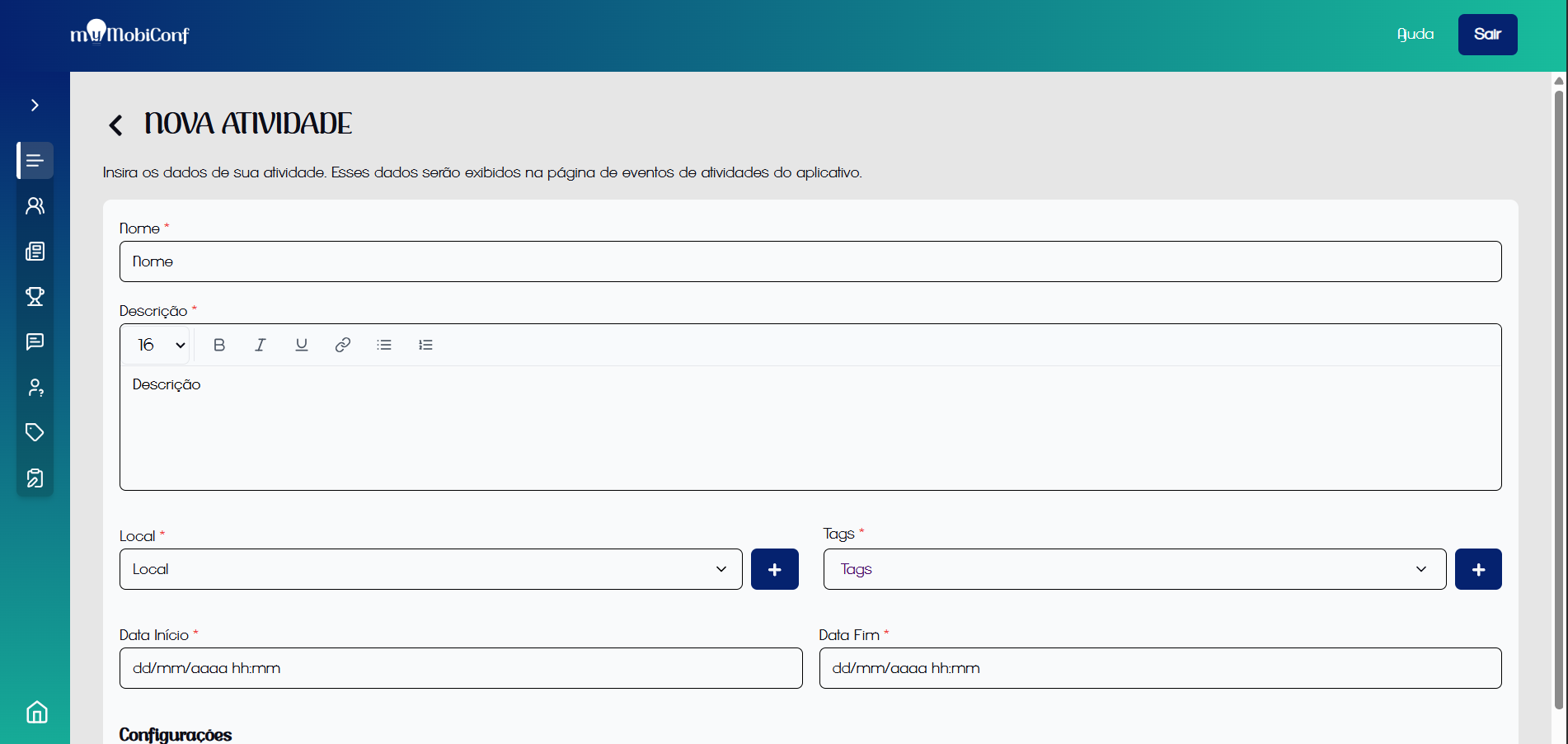
Activity registration fields
Required Fields
- Name: Title of the lecture or session.
- Description: Summary of the content covered.
- Place and Tags: Spatial and thematic categorization.
- Dates: Start and end time.
Additional Settings
You can enable extra features for each activity:
- Check-in: Control participant attendance.
- Questions: Allow sending questions via the app.
After the activity is registered, it will be possible to view the schedule on the activities screen.
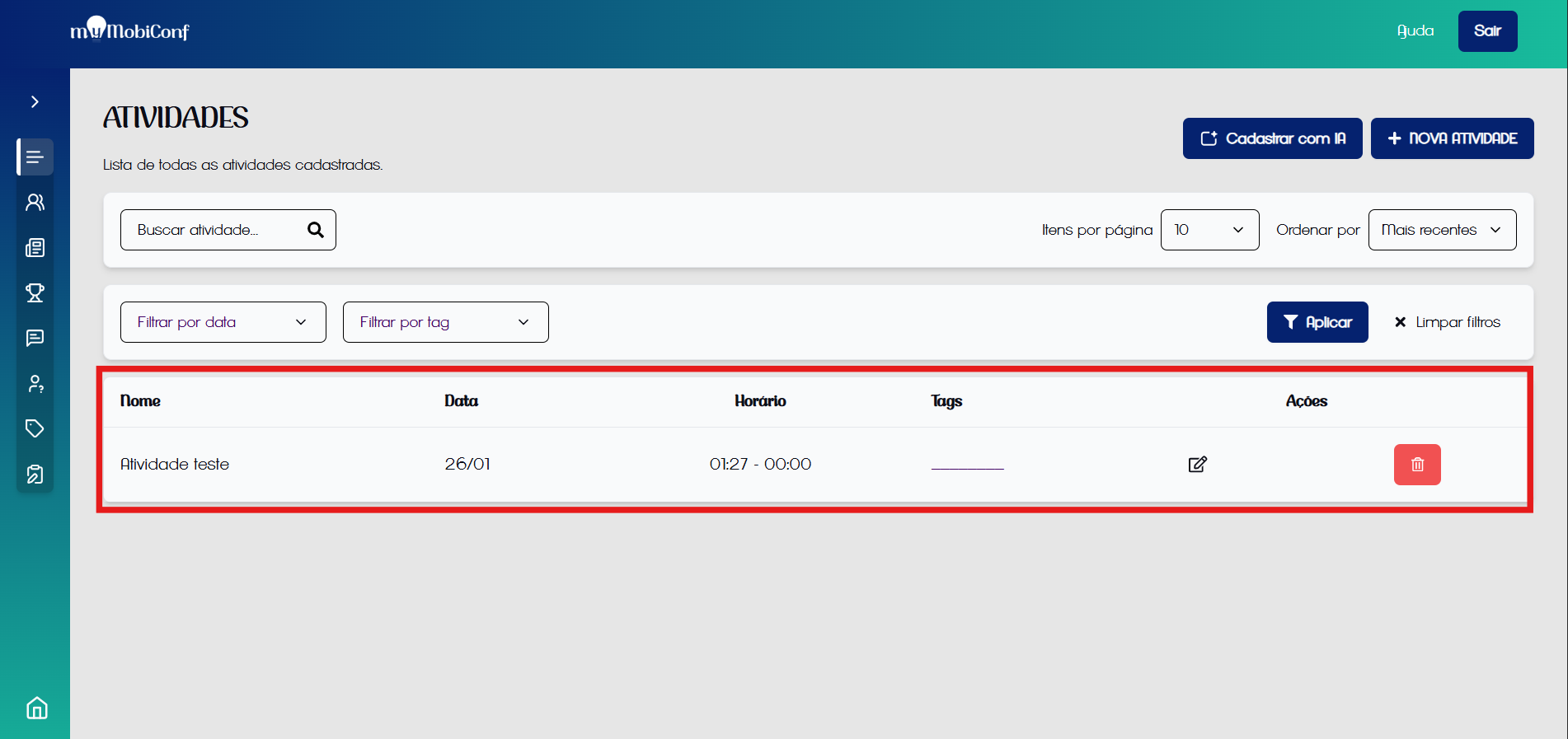
Activity registered