
Activity Screen
The activity screen is where you build the event schedule. Here you can view, filter, and manage all sessions, lectures, and workshops.
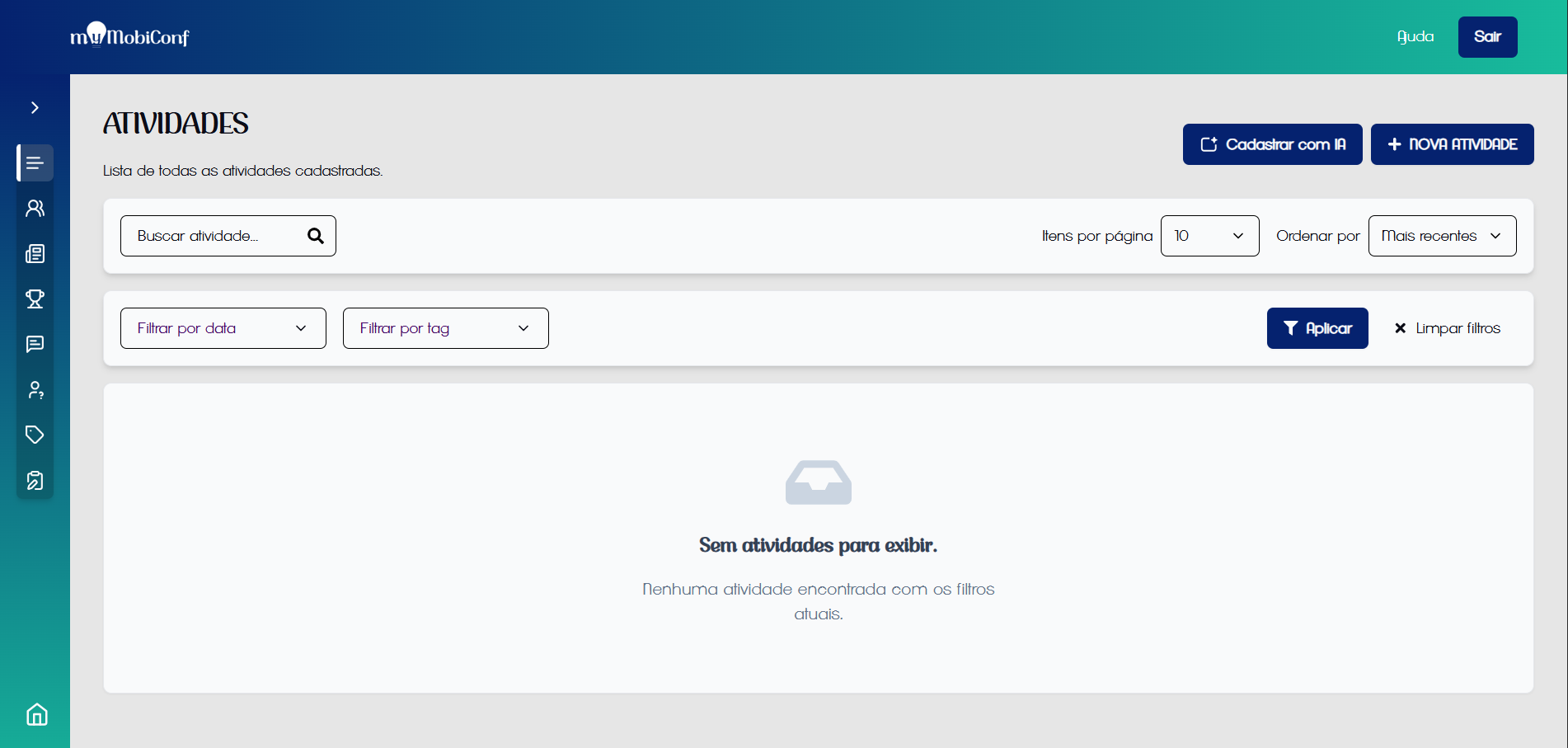
Schedule overview
After the activity is registered, it will be possible to view the schedule on the activities screen.
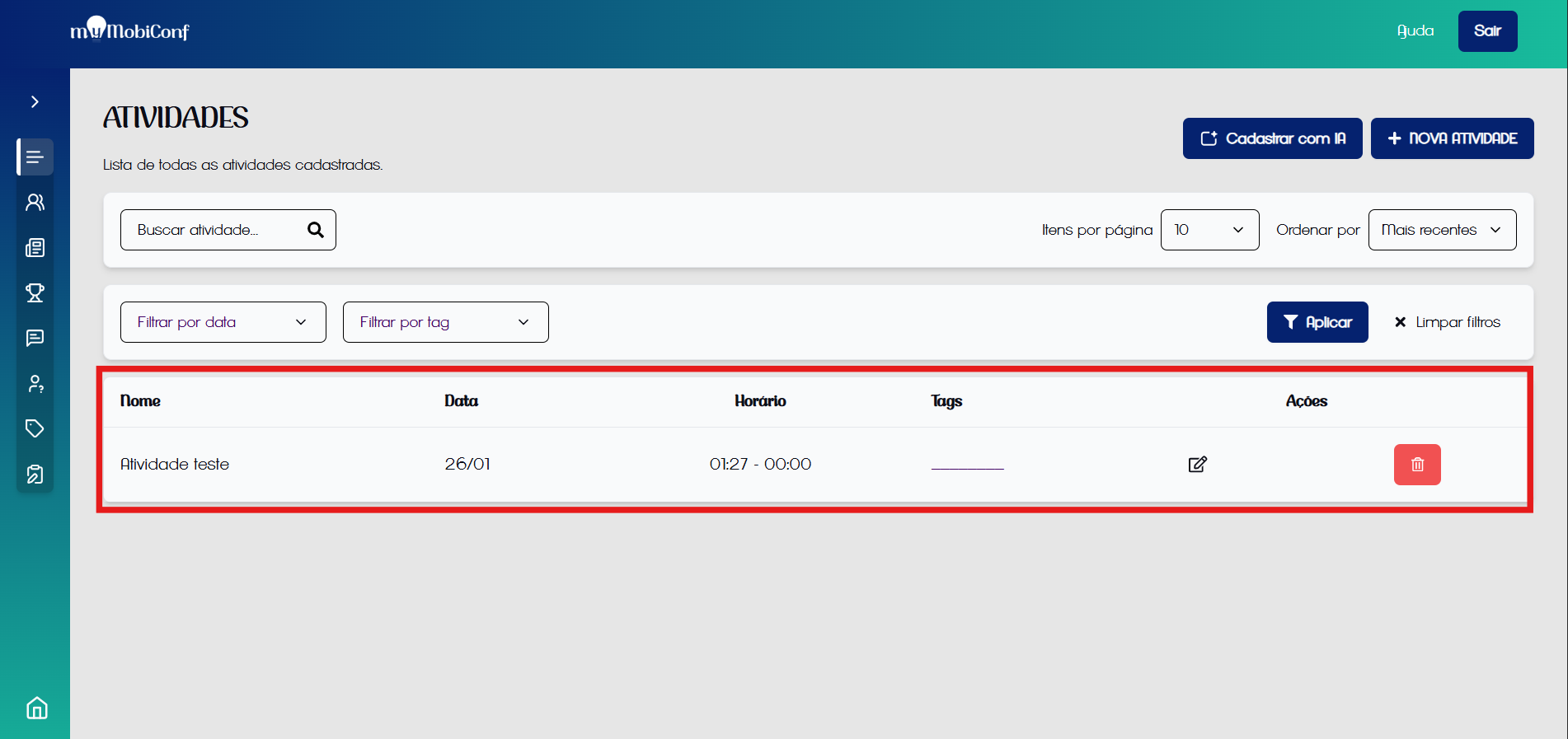
Activity registered
Organization
Use date and location filters to quickly find specific activities, especially in events with complex schedules.