
Event Activation
Activation is the moment your event becomes visible and accessible to all participants in the app.
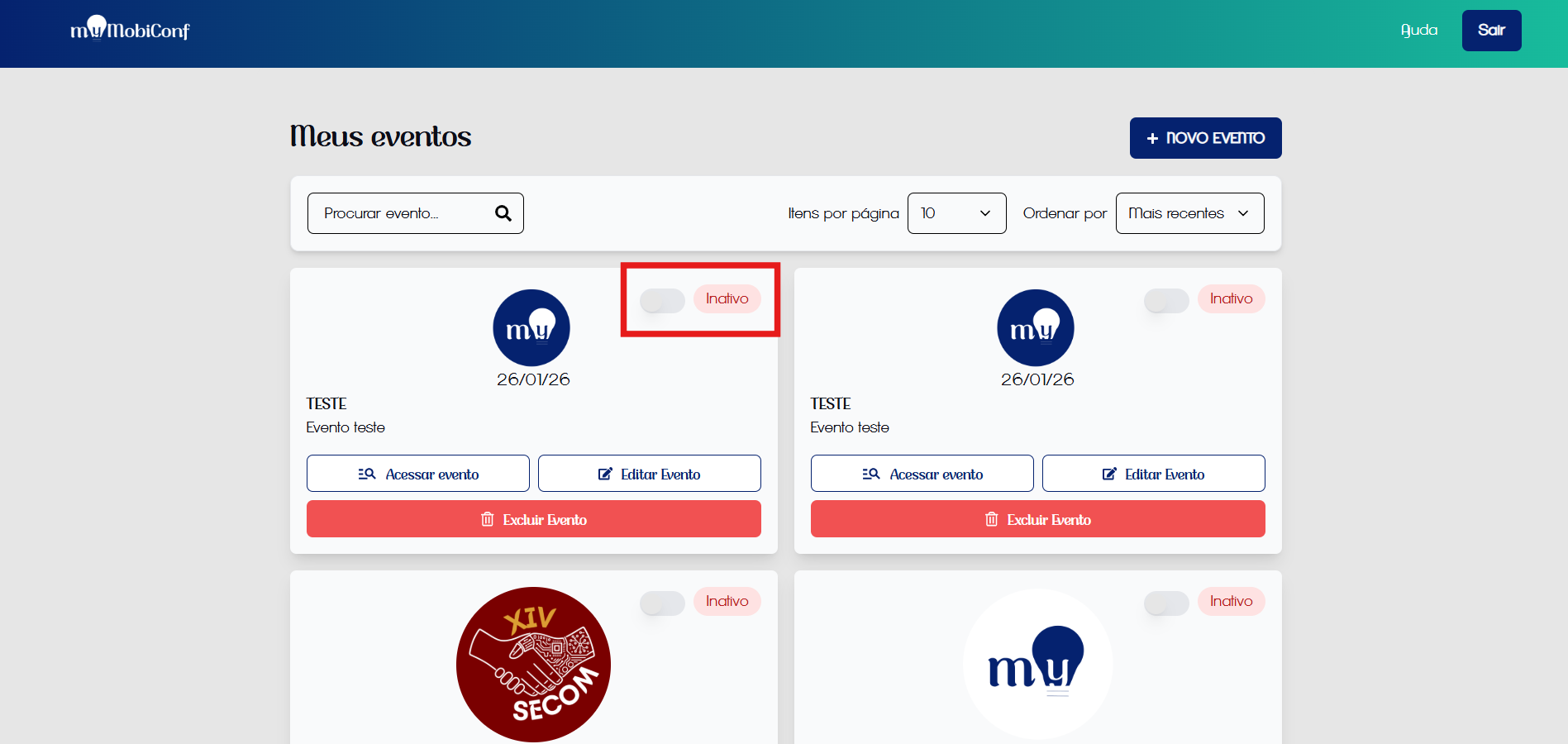
Activate event button
Attention: Only after complete configuration
Only activate the event when you are sure that the grid, sponsors, and general information are 100% configured and reviewed.
How to Activate
- Go to the "My Events" or "Edit Event" screen.
- Locate the status button or switch (Inactive/Active).
- Change the status to "Active".
- Save changes.
After activation: Participants will be able to log in, view the grid, and interact. Any changes made from now on will be reflected in real-time for them.