
Add new gamification and configure missions
To start a new gamification, click "Add new gamification".
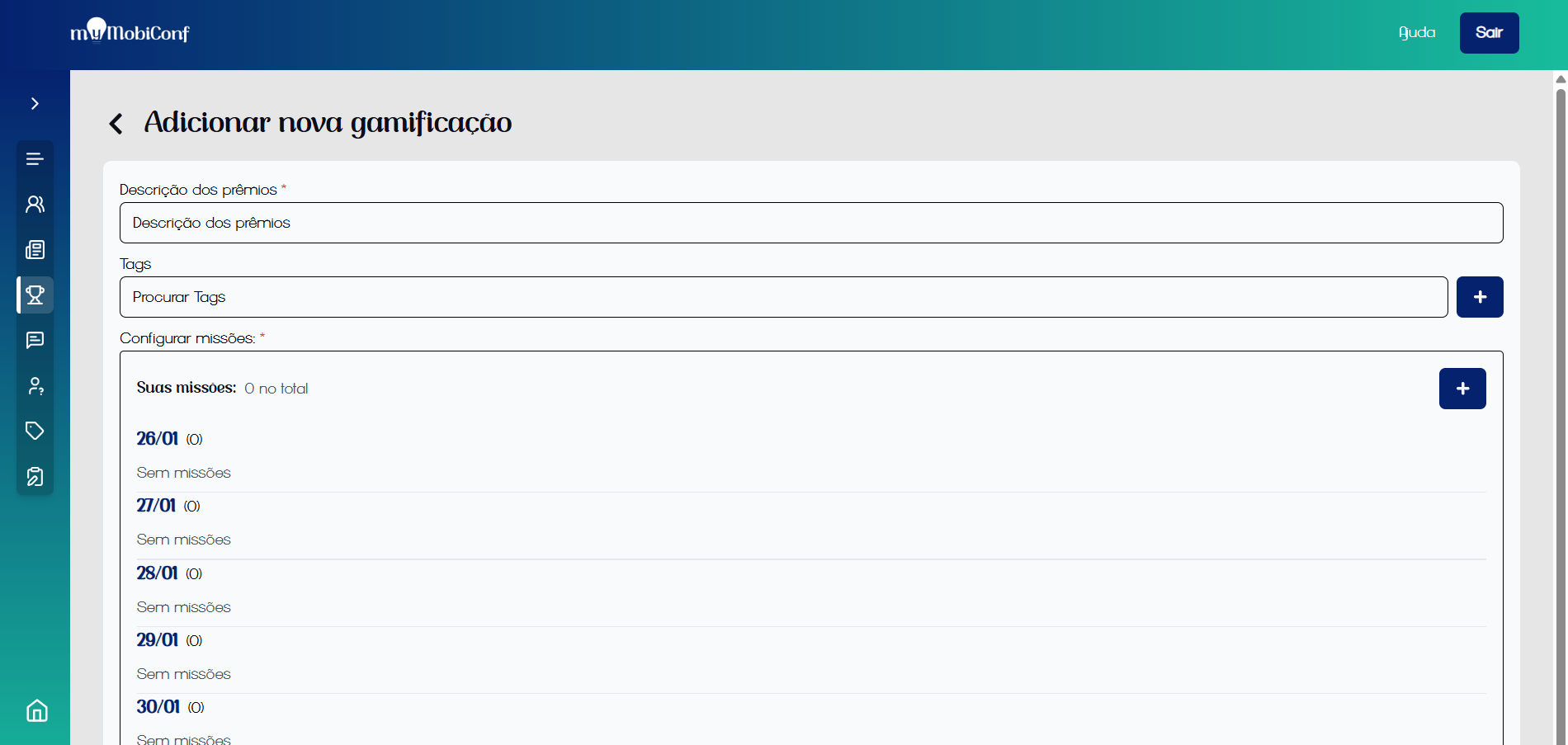
Initial configuration
After the gamification is registered, it will be possible to view the list of gamifications on the gamification screen.
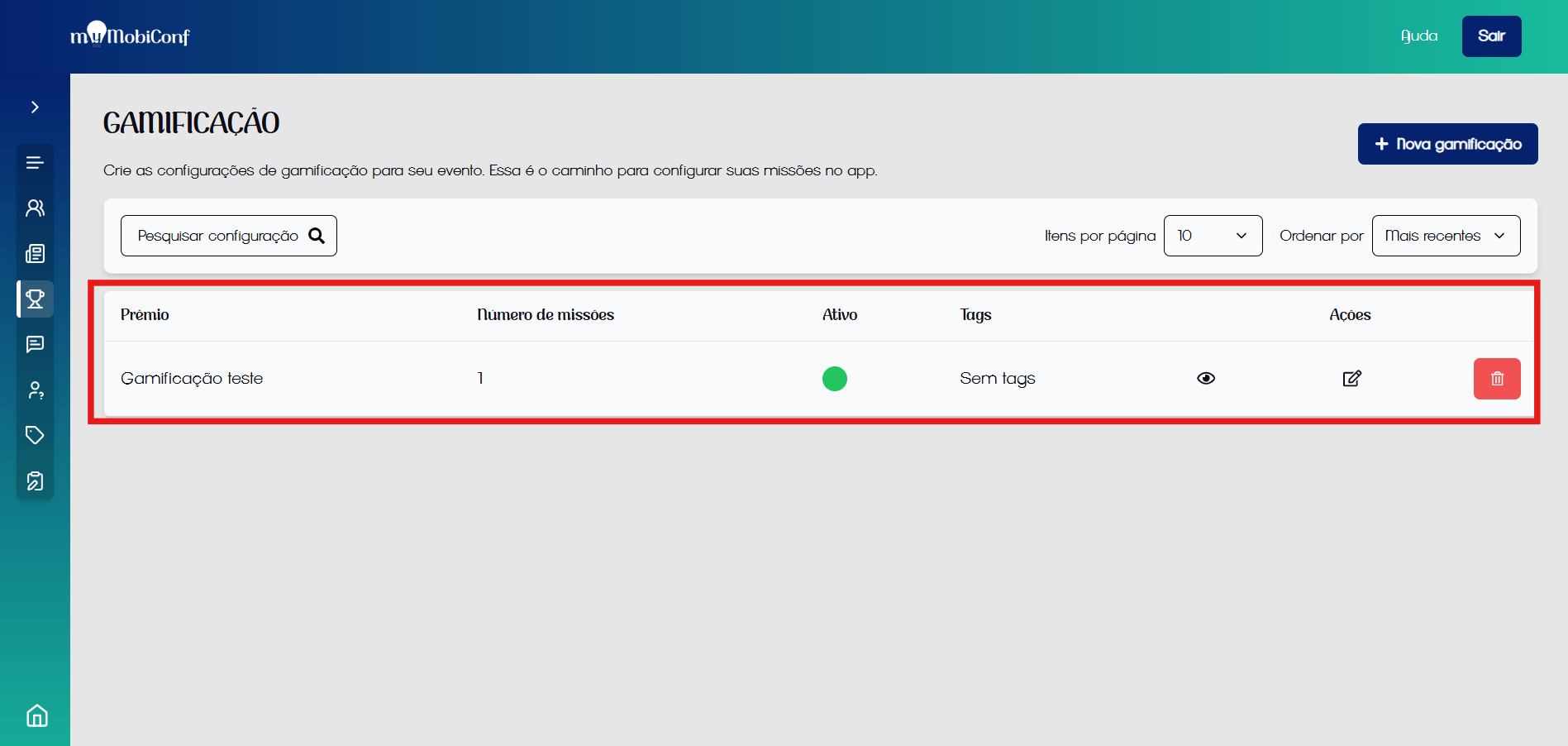
Gamification registered.
Configure missions
Missions define what the participant needs to do to compete for prizes.
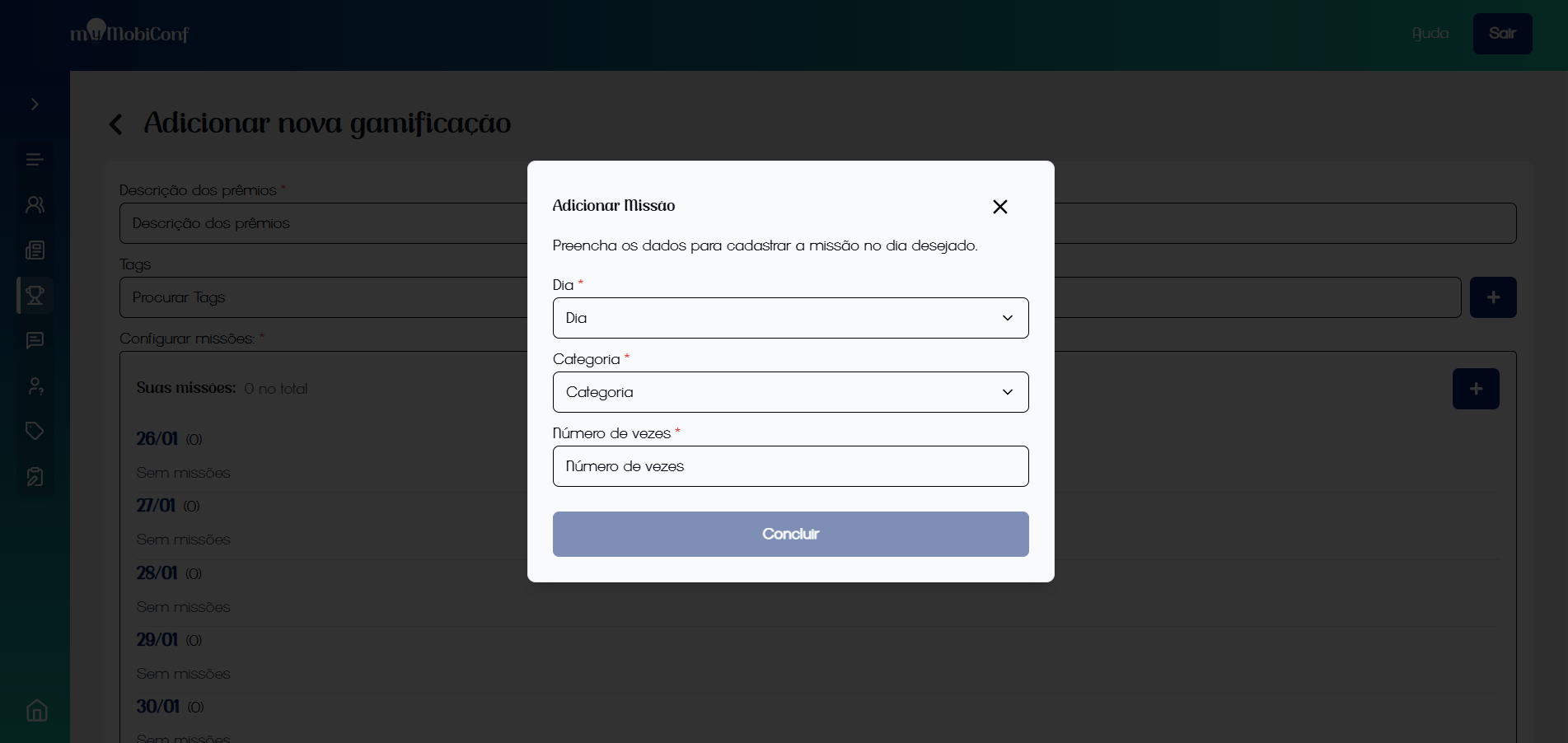
Rules for lottery participation
Example Rules:
- Day: Action valid only on 10/15.
- Category: Participate in 3 "Workshop" type activities.
- Quantity: Number of actions required to complete the mission.
Missions cannot be edited after participants have joined the event. So, activate the event only when missions are ready.