
Questions screen
Q&A sessions are enriched when the audience can participate actively. The Questions tool collects questions sent via the app in real-time, allowing for organized dynamics.
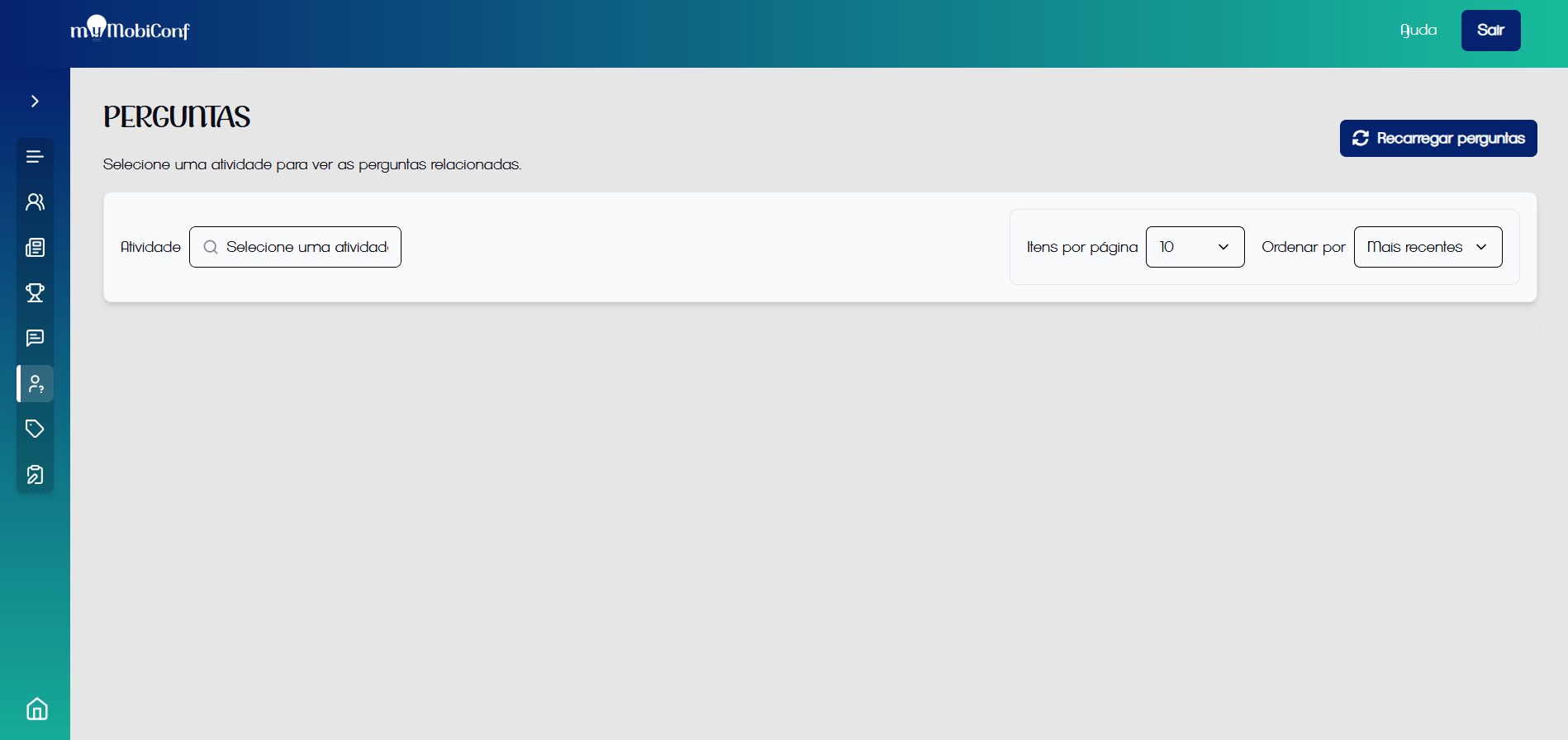
Sent questions center
- The participant sends the question via the app in the activity tab.
- The question appears instantly on this screen for the organizer.
- You or a moderator filter relevant questions.
- Questions can be read by the mediator or projected on the screen.
Organization and Filters
In events with many simultaneous rooms, organization is vital:
- Filter by Activity: Select the current lecture to see only questions pertinent to it.
- Order: View the newest or oldest questions.
Tip for Mediators
Use a tablet or laptop on stage with this screen open filtered on the current activity to have direct access to audience questions.